
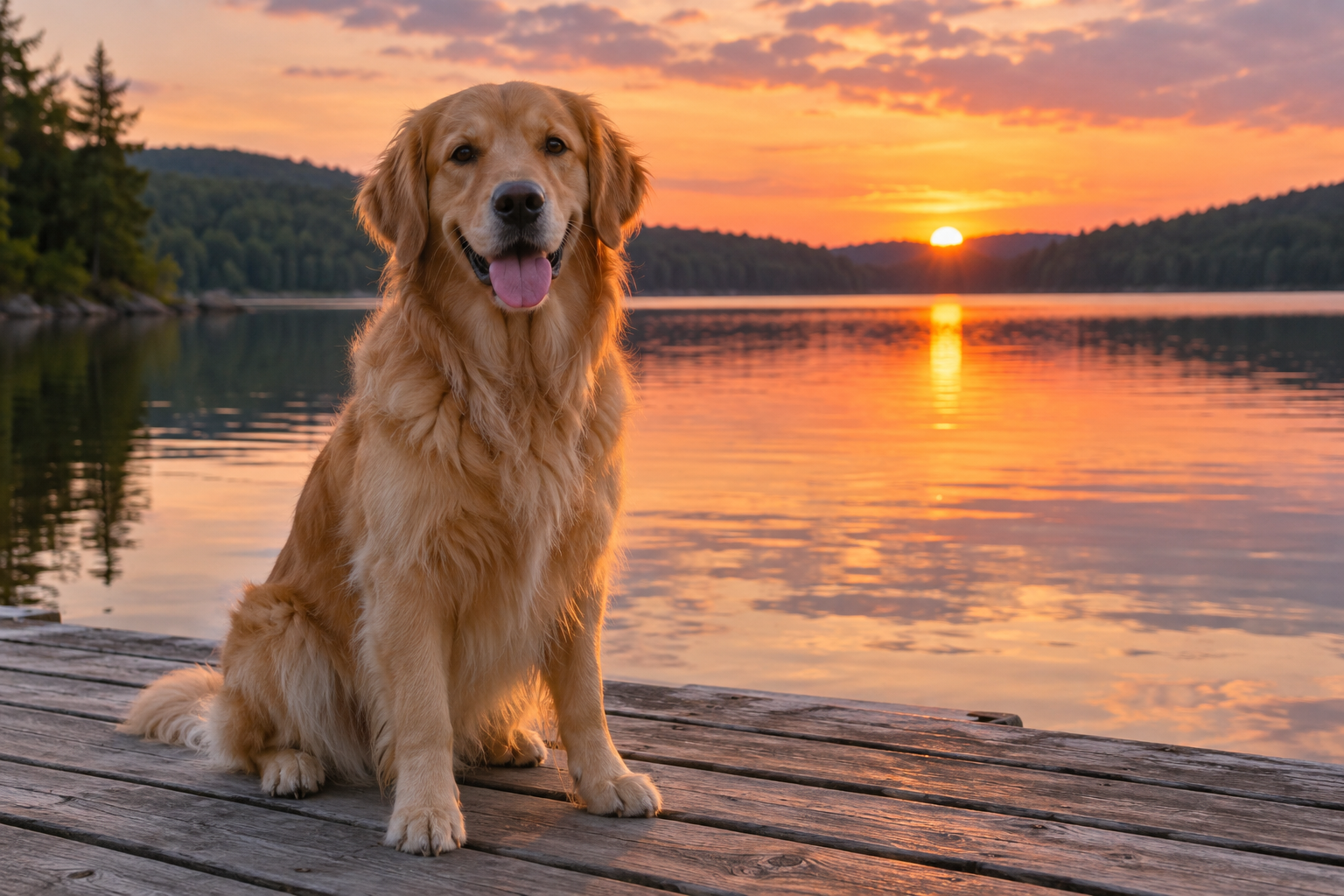
A Dog by the Lake at Sunset
A golden retriever sits on a wooden dock facing the camera with its tongue out. Warm sunset light falls across its fur and reflects on the calm lake behind it, with tree-covered hills in the distance.
A FRESH WAY TO SEE IT
From what you see to what you mean.
Turn a photo, screenshot, or diagram into a clear description or useful alt text.
We don’t store your pictures, questions, or results. Your input is sent to our AI providers only when you generate. How your data is processed →
Loading bot protection…
Free to use. No sign-up required. Daily and rate limits apply.
Upload your image and choose a style. We’ll help put what’s in the picture into words.
AI-generated descriptions may miss or misinterpret details. Review important information before using it.
No sign-up ✳ Three description styles ✳ Copy in one click
A few pictures. A few possibilities. These prepared examples show what a description of a picture can look like.
A golden retriever sits on a wooden dock facing the camera with its tongue out. Warm sunset light falls across its fur and reflects on the calm lake behind it, with tree-covered hills in the distance.
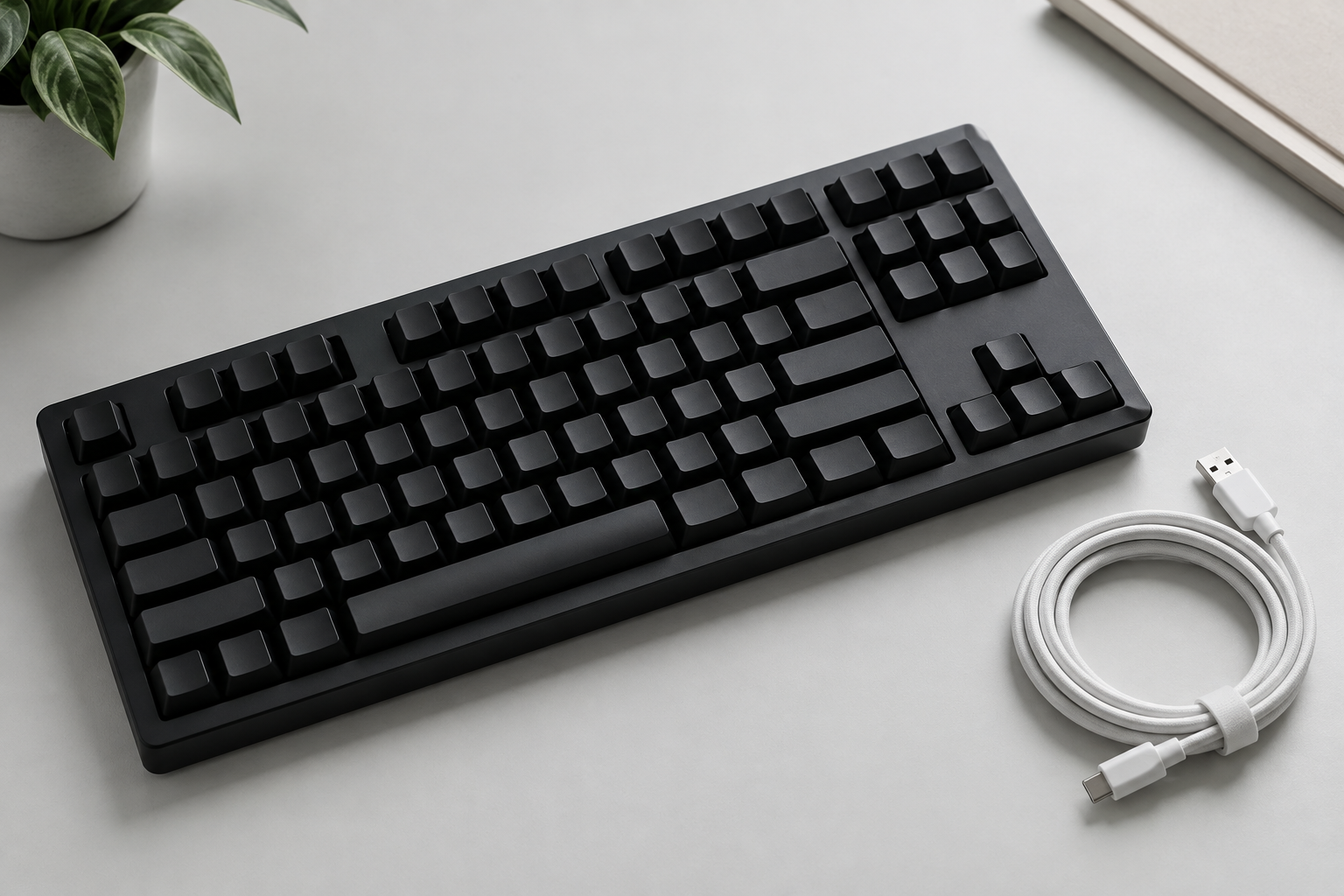
A black keyboard rests on a pale desk beside a coiled white cable. The keys form neat rows, and soft lighting casts shadows around the objects.
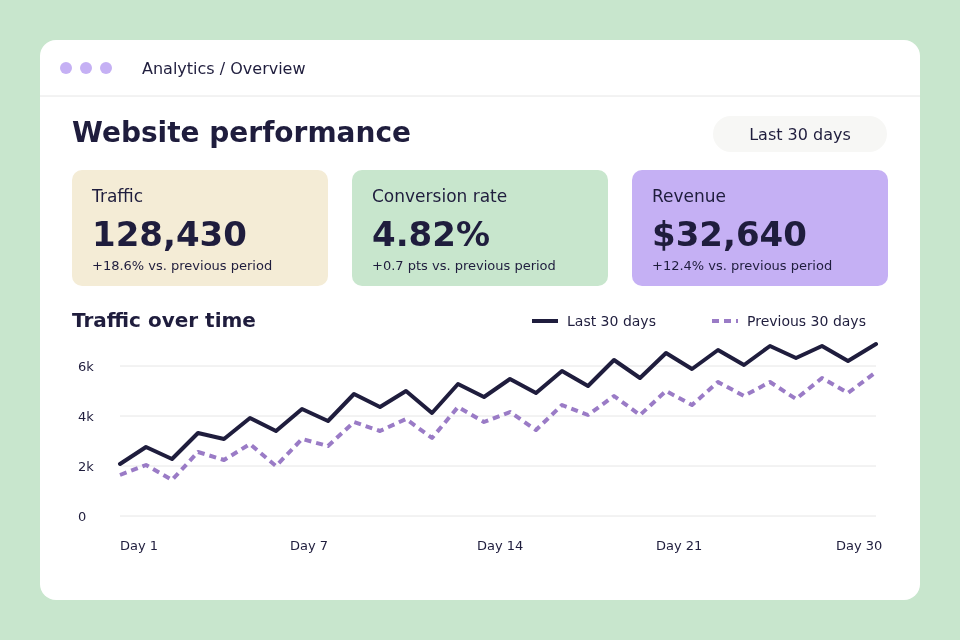
A web analytics dashboard showing traffic, conversion rate, revenue, and a line chart comparing performance over the past 30 days.
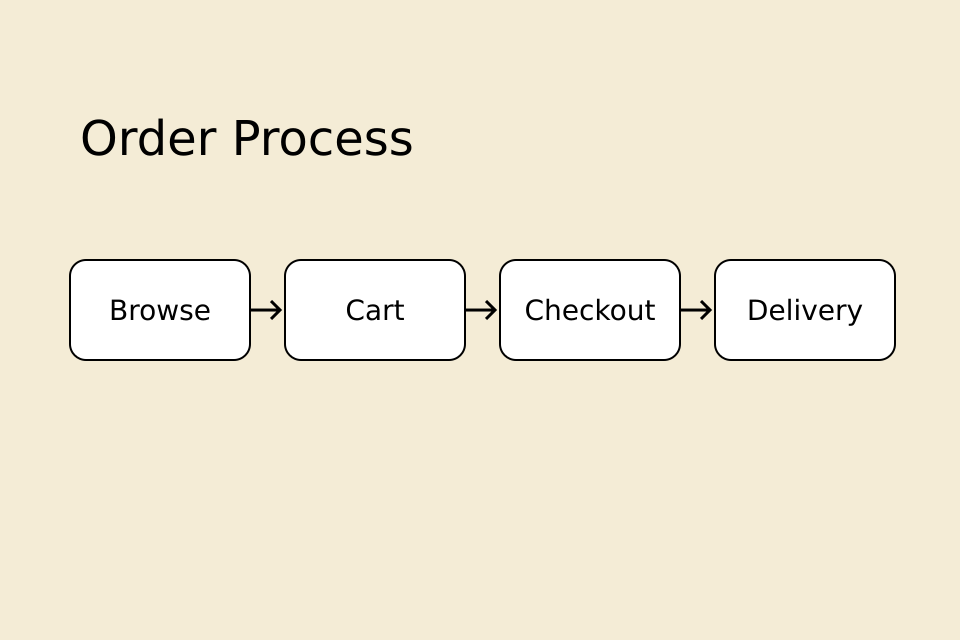
A flowchart titled “Order Process” presents four steps from left to right: Browse, Cart, Checkout, and Delivery. Arrows connect the white rounded boxes on a cream background.
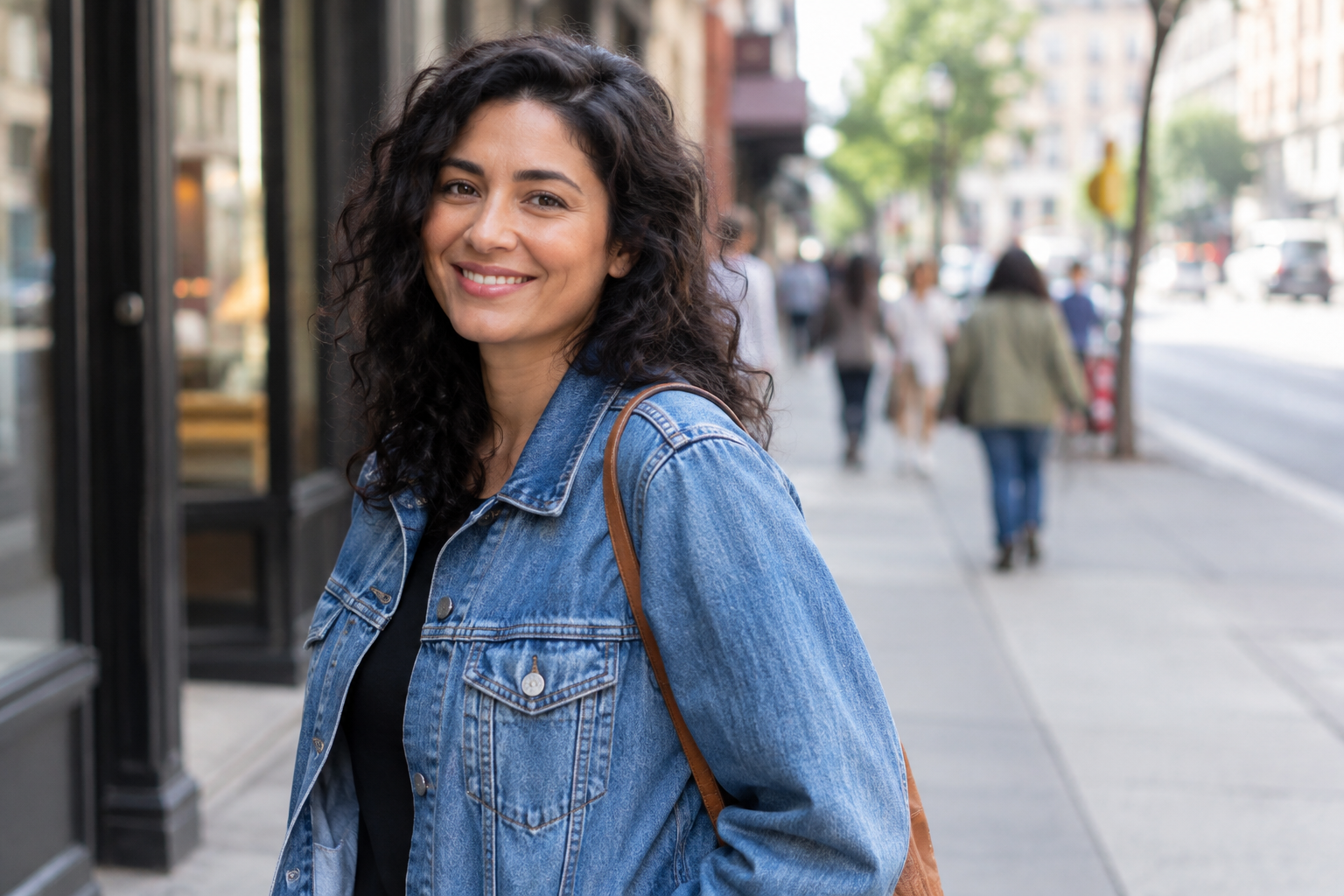
A person with curly dark hair smiles toward the camera while wearing a blue denim jacket. Buildings and pedestrians appear softly blurred along the city sidewalk in the background.
Choose, drag and drop, or paste one picture. Preview it before sending.
Pick Short, Detailed or Alt Text. No prompt writing required.
Complete the verification, then click Describe This Picture.
Copy your result, make it shorter or more detailed, or turn it into alt text with the buttons below it.
From everyday photographs to information-rich graphics, the tool helps turn visible details into natural language.
Describe photo details such as objects, scenery, colors and composition.
Visible clothing, expression, pose and activity, without guessing identity.
Interface layouts and legible on-screen information. Check important text yourself.
Drawings, flows and charts explained in plain language.
Describe picture details in a clear overview of the subjects, actions and surroundings.
A quick summary, a fuller account, or concise alt text. Start with what fits your task.
Copy your description into notes, a product listing, a post draft or your own editing workflow.
OCR mainly extracts words already written in an image. A description of an image explains what the whole picture shows: people, objects, actions and visual relationships.
If a picture contains text, a description can help explain how the words fit the scene. It is not a substitute for exact transcription.
For text extraction, focused questions or visual prompts, try our AI Image Describer. For a dedicated prompt workflow, use the Image to Prompt Generator.
Draft a concise description, then adapt it to the image’s purpose and page context.
Try the Alt Text style ↗Adapt your description for product listings and image captions, or use a short pic description as a starting point for a social post. Review and edit it before publishing.
Put diagrams, charts and photographs into words for notes and discussion. Verify key facts against the original.
Frequently Asked Questions
Yes. AI vision models can describe visible objects, people, actions, colors and surroundings. Upload a picture, choose a style and click Describe This Picture to start.
Yes. Describe a Picture is free to use with no account or credit card required. Fair-use limits apply to keep the service available to everyone.
No. You can generate descriptions without creating an account. A necessary anonymous browser cookie helps apply usage limits across tabs.
Yes. Upload a photo, screenshot, illustration or diagram. Unlike OCR, which extracts written characters, this tool describes the visible scene and relationships between its elements.
It can describe visible details such as clothing, expression, pose and surroundings. The tool is instructed not to identify people or guess names, occupations or sensitive attributes from appearance.
Choose Alt Text for a concise first draft. You can add optional page context. Review the result against the image’s purpose and surrounding content before publishing; generated text alone does not guarantee accessibility compliance.
Use one JPG, PNG or WebP image up to 5 MB, up to 8,192 pixels on either side and 24 megapixels. Photos, products, portraits, screenshots and diagrams can all be useful inputs. The browser resizes large images to a maximum side of 2,048 pixels; small text may need a closer crop.
Your selected image stays in this page until you click to generate. It is then sent through our server to OpenRouter and its model provider for processing. Our application does not store pictures or description text in its database or business logs. Anonymous request metadata is retained for seven days; daily aggregate usage is retained longer. Third parties apply their own data policies. See our Privacy Policy. Read the policy.
Descriptions may miss or misinterpret details, especially small text, unclear objects and complex charts. Review important information before using it. Use the buttons below your result to shorten it, add visible detail, or turn it into alt text. Each revision uses a new generation request.
A picture, a click, a clearer description.
Upload a Picture ↗Free to use. No sign-up required. Daily and rate limits apply.