
Photograph
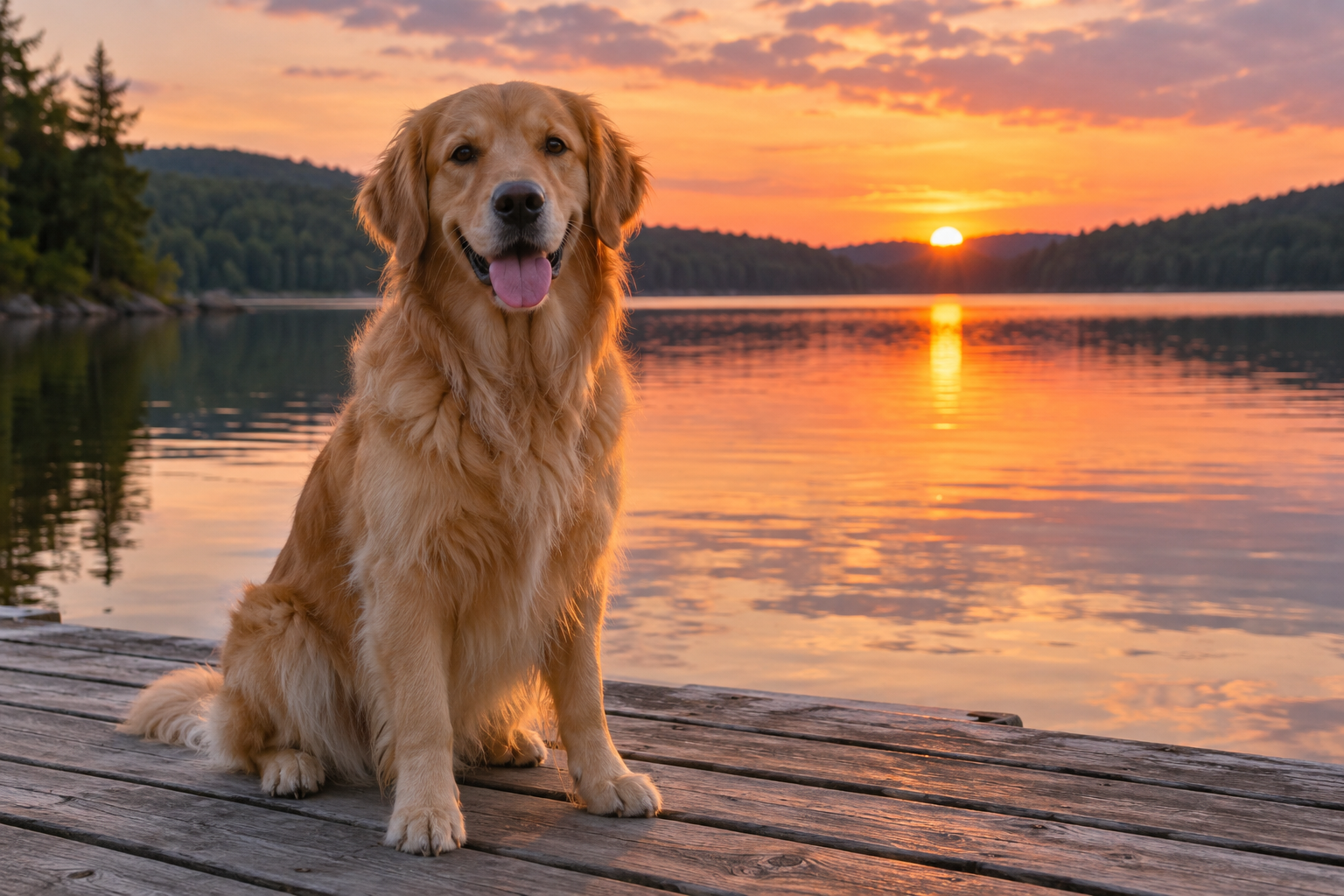
A golden retriever sits on a wooden dock facing the camera with its tongue out. Warm sunset light falls across its fur and reflects on the calm lake behind it, with tree-covered hills in the distance.
ONE IMAGE. FIVE WAYS TO UNDERSTAND IT.
Describe what you see. Ask about a detail. Turn images into useful text.
Turn a photo, screenshot or chart into a description, answer, extracted text, prompt or alt text.
We don’t store your pictures, questions, or results. Your input is sent to our AI providers only when you generate. How your data is processed →
Describe the main visible details.
Loading bot protection…
Free to use. No sign-up required. Daily and rate limits apply.
Upload your image and choose a task. Your result will appear here.
AI-generated results may miss or misinterpret details. Review important information before using it.
Free to use ✳ No sign-up ✳ Five focused tasks
An AI image describer analyzes a picture and explains its visible content in natural language. It can describe subjects, actions, colors, layout, text, and relationships — giving you more context than a list of tags.
This tool can also answer questions, extract text, create visual prompts, and draft alt text. For a dedicated visual prompt workflow, visit the Image to Prompt Generator. For a straightforward description with three styles, visit Describe a Picture.
These prepared examples pair an image with a task-specific output. Try an example to load its image and task; generation starts only when you click.
A golden retriever sits on a wooden dock facing the camera with its tongue out. Warm sunset light falls across its fur and reflects on the calm lake behind it, with tree-covered hills in the distance.
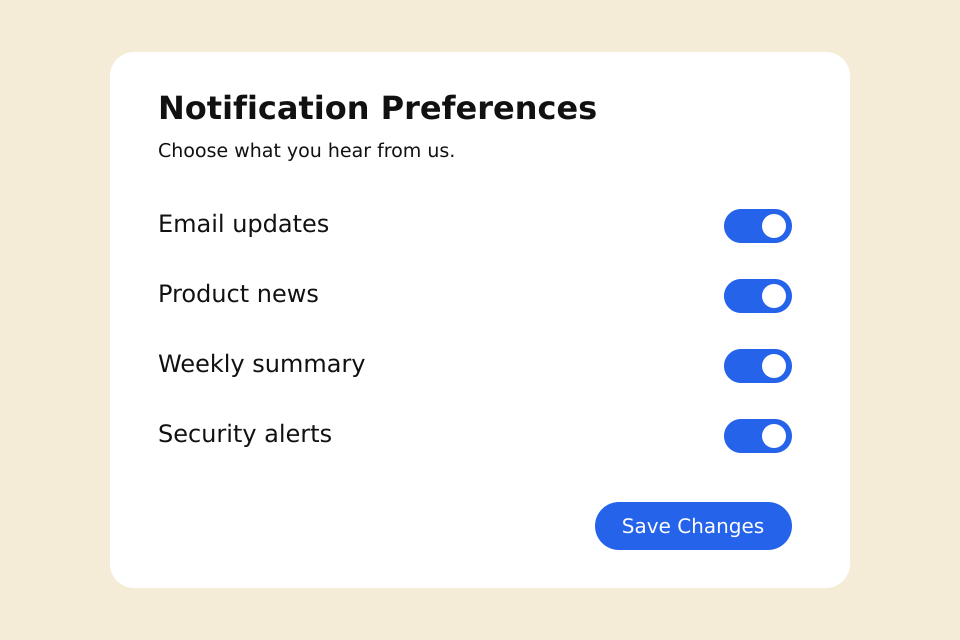
Notification Preferences Choose what you hear from us. Email updates Product news Weekly summary Security alerts Save Changes
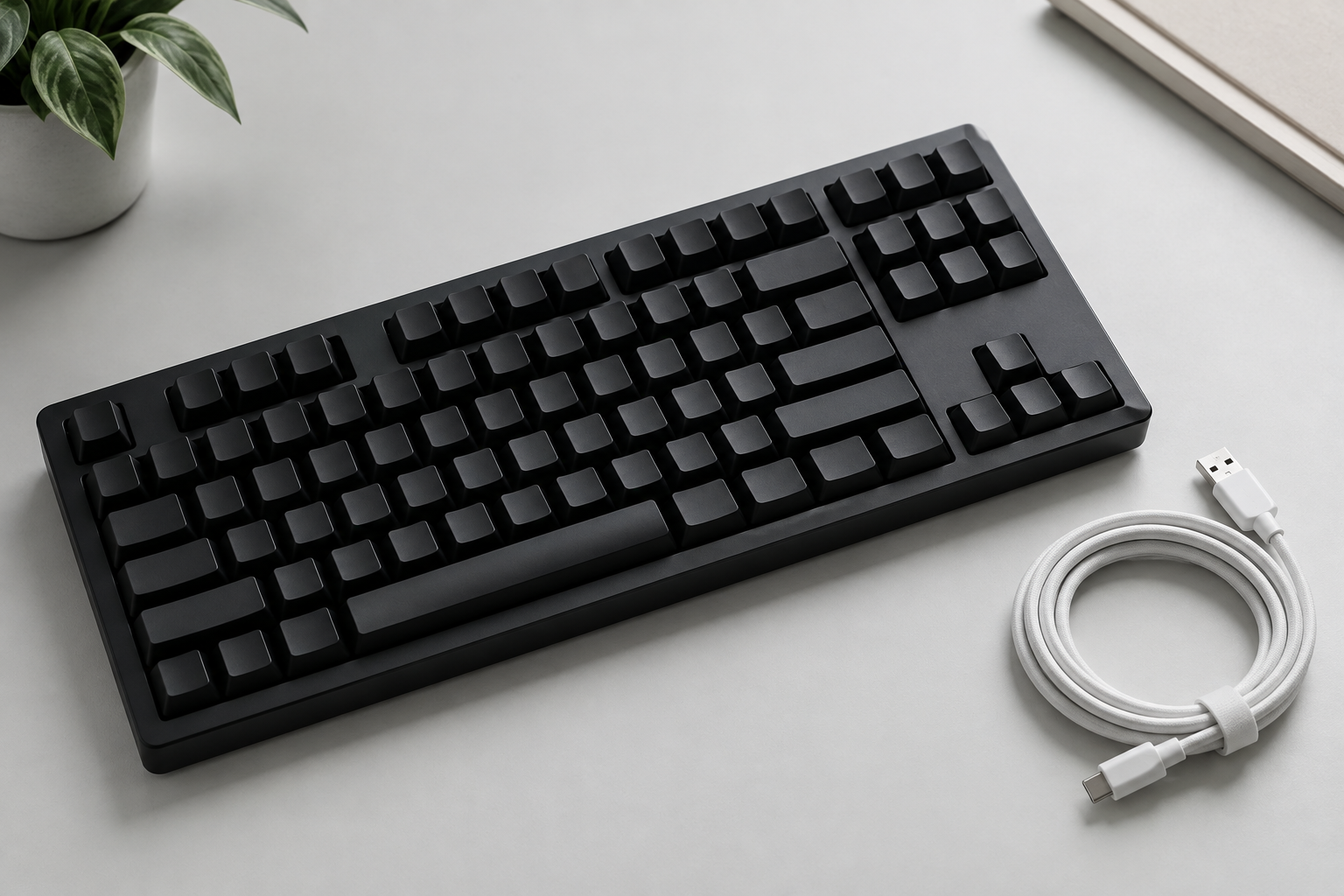
Black keyboard on a pale desk beside a coiled white cable.
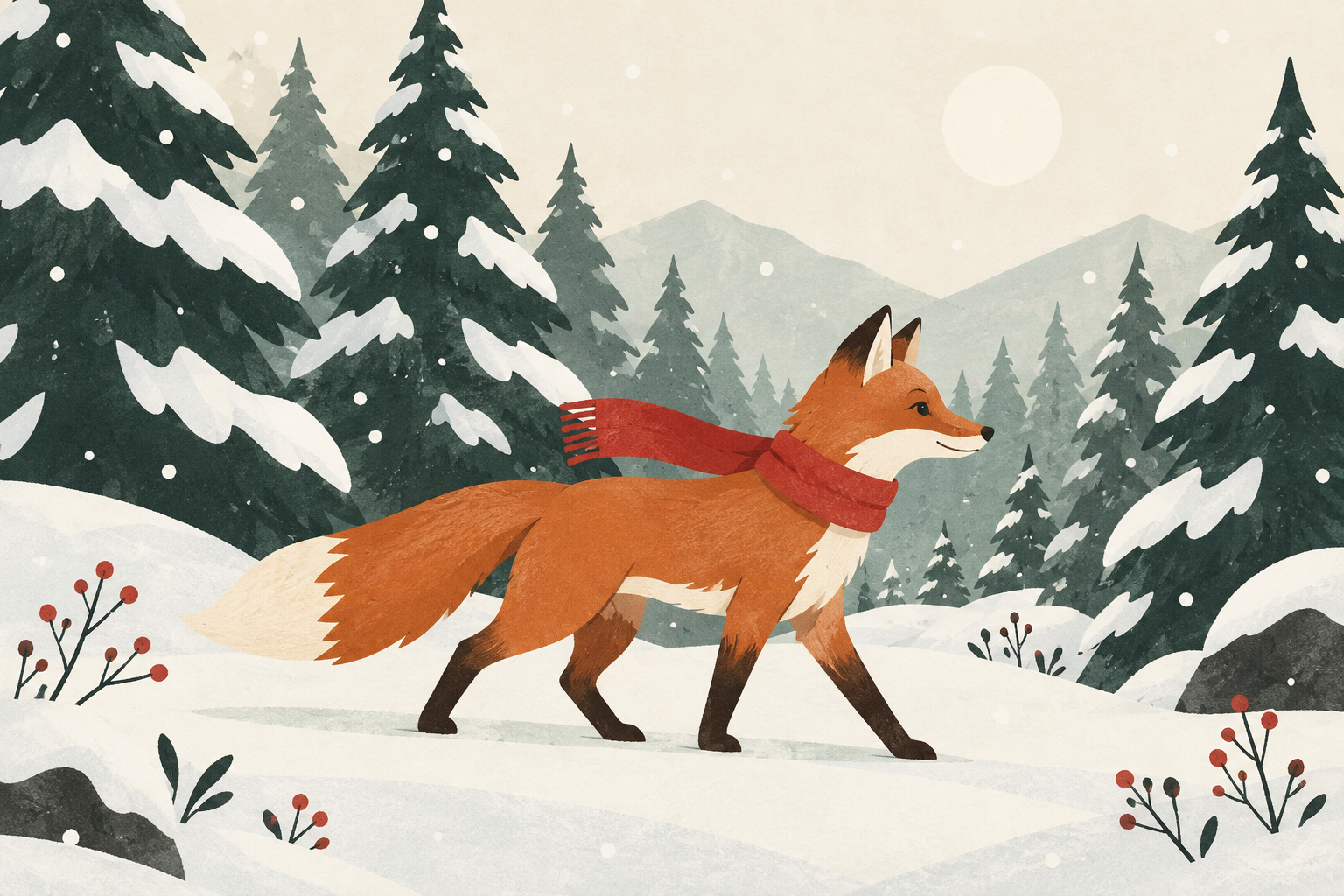
An orange fox in a red scarf walking through a snowy pine forest, side view, layered flat shapes and subtle paper texture, dark green trees against a pale sky, white snow and a restrained warm accent palette. A quiet winter editorial illustration.
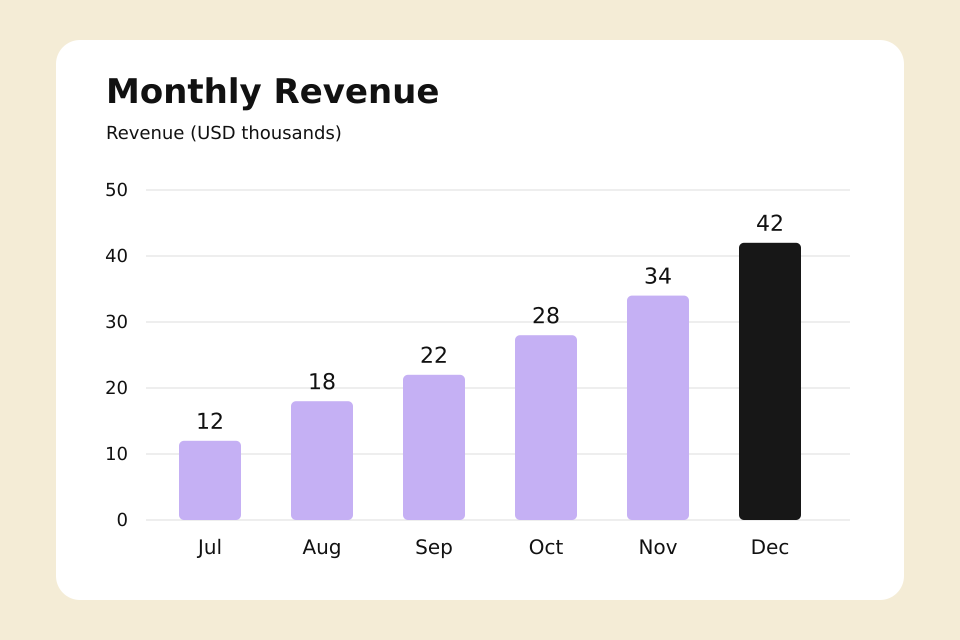
Question: Which month has the highest revenue, and what is its value?
December has the highest revenue at $42,000, as shown by the tallest bar and its label.
Get a short overview or a fuller description of visible subjects, actions, colors, setting and composition. Start with Short, or choose Detailed when the scene needs more explanation.
Ask one focused question about objects, readable labels, layout or a specific part of the scene. The answer uses the picture as its reference and may acknowledge uncertainty.
Turn readable text from screenshots, signs, menus and cropped documents into copyable text. Original languages and basic line breaks are preserved. Small, blurry or long text may need a closer crop; this mode does not translate.
Create a written starting point for an image generator, describing the subject, composition, colors, lighting and visual style. Adapt the prompt for your chosen tool; it does not promise an exact reconstruction.
Draft concise alt text for websites, blog posts or product pages. Add optional page context, then review the draft against the image’s purpose and surrounding content.
Choose, drag and drop, or paste one JPG, PNG or WebP. Check the preview before sending.
Select Describe, Ask a Question, Extract Text, Generate Prompt or Alt Text. Ask requires a question; Alt Text accepts optional page context.
Complete the verification and click the task button. You’ll see upload progress, then a waiting status while the model processes your request.
Review and copy the text. Regenerate repeats the result’s original task and question as a new counted request. Descriptions and alt text also have editing actions.
For a general description, upload your image and choose Describe. For a focused answer, switch to Ask a Question and name the visible detail you want to understand.
Use Extract Text for original-language transcription, Alt Text for a website draft, and Generate Prompt for a reusable visual reference.
Try a question ↗Get a first-pass explanation of an unfamiliar photo or illustration, then inspect the details that matter.
Adapt a concise draft for your page’s purpose, surrounding content and accessibility needs.
Put layouts and readable interface information into words for notes or a support request.
Ask about visible labels, values and relationships. Check the original before relying on a number.
Use a description as a starting point for a caption, product note or post that you edit yourself.
Capture visible composition and style in a written reference for your next creative experiment.
Start with a useful first draft instead of manually listing each visible element.
Focus the answer on a detail, object, label or part of the scene.
Copy a description, answer, transcription, prompt or alt text draft into your own workflow.
An AI image describer turns visible picture content into natural language. This tool also supports focused image questions, text extraction, visual prompts and alt text drafts.
Upload one picture, choose Describe and select Short or Detailed. Complete the verification and click Describe Image. You do not need to write a prompt for a general description.
Choose Ask a Question and enter a specific question, such as ‘What is happening in the background?’ You can write up to 1,000 characters. Each request is a single question, without a conversation history.
Yes. The AI image describer is free to use with no sign-up or credit card required. Fair-use daily and rate limits apply to keep the service available to everyone.
Many photos, screenshots, product images, illustrations, charts and diagrams work well. Clear subjects and readable details help. Blurry content, ambiguous scenes and tiny text can lead to errors, and some content may be restricted.
Choose Extract Text to transcribe visible text in its original language. Crop dense pages to a clear section first. Unreadable fragments may be marked [unclear], and an image without visible text returns ‘No visible text found.’ Long text can exceed the output limit; there is no automatic continuation or translation.
Yes. Ask about visible objects, actions, colors, layout, readable text or chart values. We do not identify people or infer sensitive attributes from their appearance. Review important answers against the original image.
Generate Prompt creates an English visual prompt describing the image’s subject, composition, colors, light and style. It is a reusable starting point, not a way to recover the original prompt or guarantee an identical image.
Outputs may omit or misinterpret details. Tiny text, complex charts and unclear objects are especially difficult. Check numbers, extracted words and important facts yourself before using the result.
Use images you have the right to upload. Some unsafe or sexually explicit content may be restricted. See the Terms of Service for acceptable use.
Upload one JPG, PNG or WebP up to 5 MB, with neither side above 8,192 pixels and no more than 24 megapixels. Large images are resized in the browser, so crop small text before uploading when needed.
They remain in the current page until you generate, then our server, OpenRouter and a model provider process the input. Our application does not store images, questions, context or output text in its database or business logs. Third parties apply their own data policies. There is no result history to recover after leaving or refreshing the page.
One picture. The words you need.
Upload an Image ↗Free to use. No sign-up required. Daily and rate limits apply.